
Your provider can make lab tests available for you to purchase through their Fullscript Storefront. You can browse the tests they’ve selected without creating a Fullscript account. You’ll create or sign in to an account when you’re ready to purchase a test.
This guide covers purchasing individual lab tests from a provider’s storefront. If you’re looking for information about Journeys, see Starting and completing a Fullscript Journey.
Browse lab tests
Your provider’s storefront includes lab tests they’ve selected for their patients. Tests may be organized into sections to make them easier to browse.
To view the lab tests in a provider's storefront:
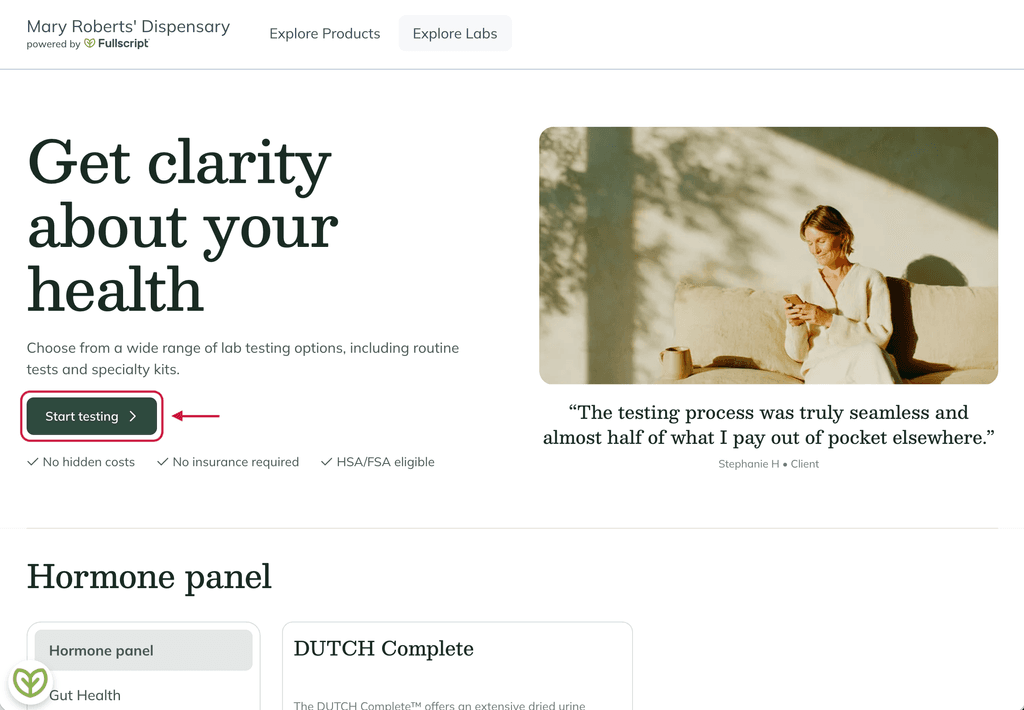
- Open the storefront link your provider shared with you and select Start testing.
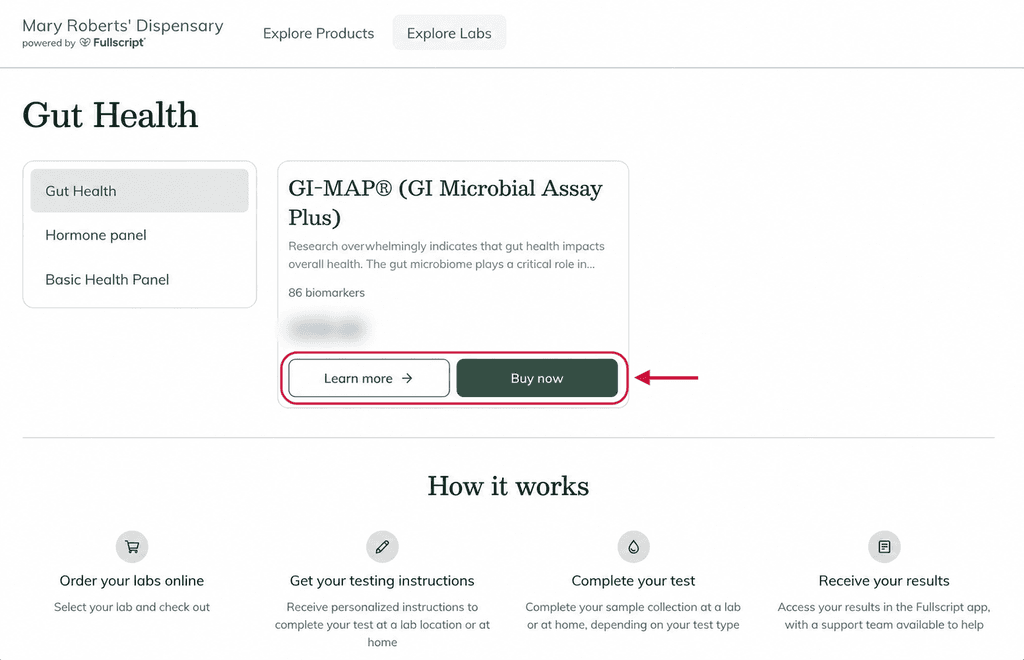
- Browse the available sections to find a test. Each test shows the number of biomarkers and price.
- Select Learn more to view test details or Buy now when you’re ready to purchase.
Complete your purchase
After you select Buy now, you’ll move through Fullscript’s secure checkout.
- Enter your Email address and ZIP code to confirm the test is available in your area, then select Continue.
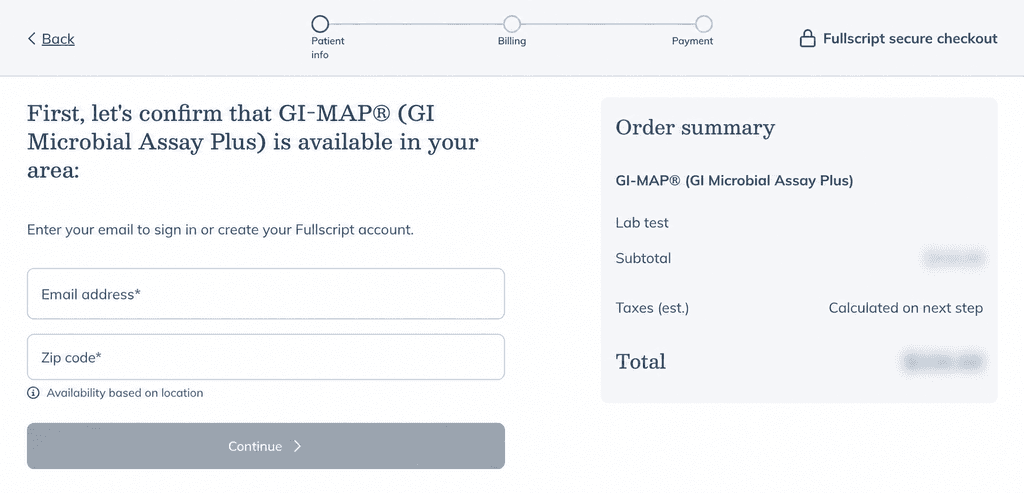
- Sign in or create your Fullscript account and select Continue.
- Confirm your patient details and enter your address.
Make sure your information matches your government-issued ID since the lab will verify your ID when you arrive for testing.
- Review and accept Fullscript’s Terms of Service, Labs Terms of Service, and Privacy Policy, then follow any additional checkout steps shown for your test. Depending on the test, you may be asked to choose a Sample collection option, such as visiting a nearby lab for a blood draw.
- Continue to payment, review your order, and enter your payment information. Select Place your order when you’re ready to complete your purchase.