Last modified: March 16, 2026
Exploring the labs catalog
Providers
We’ve partnered with top lab companies to give you access to a comprehensive testing catalog that includes both specialty and blood labs. You can explore all available specialty labs directly in the catalog, where you’ll find detailed test information, filtering options, and sample reports.
This guide shows you how to search, filter, and save tests in the labs catalog.
Existing or new lab accounts
You can order from any lab on Fullscript—even if it’s your first time. Registration is quick and easy, so you can start testing without the extra admin.
Already order directly from a lab? Your existing account will be connected with Fullscript automatically. Your existing lab access carries over so you can order, track, and review results from all your lab partners in one place.
How to search the catalog
To start browsing the labs catalog:
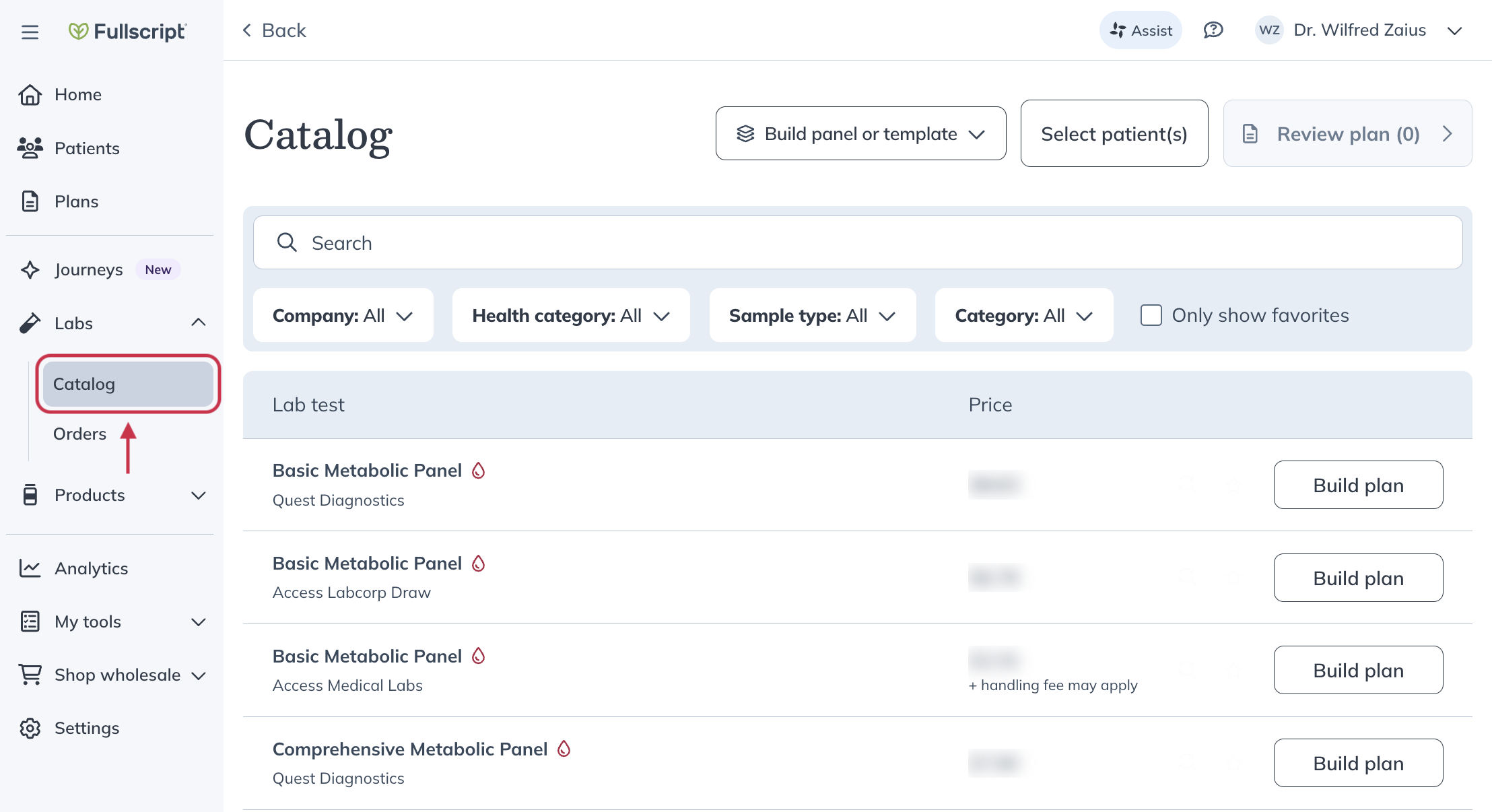
- Click Labs in the left-hand navigation.
- Click Catalog.
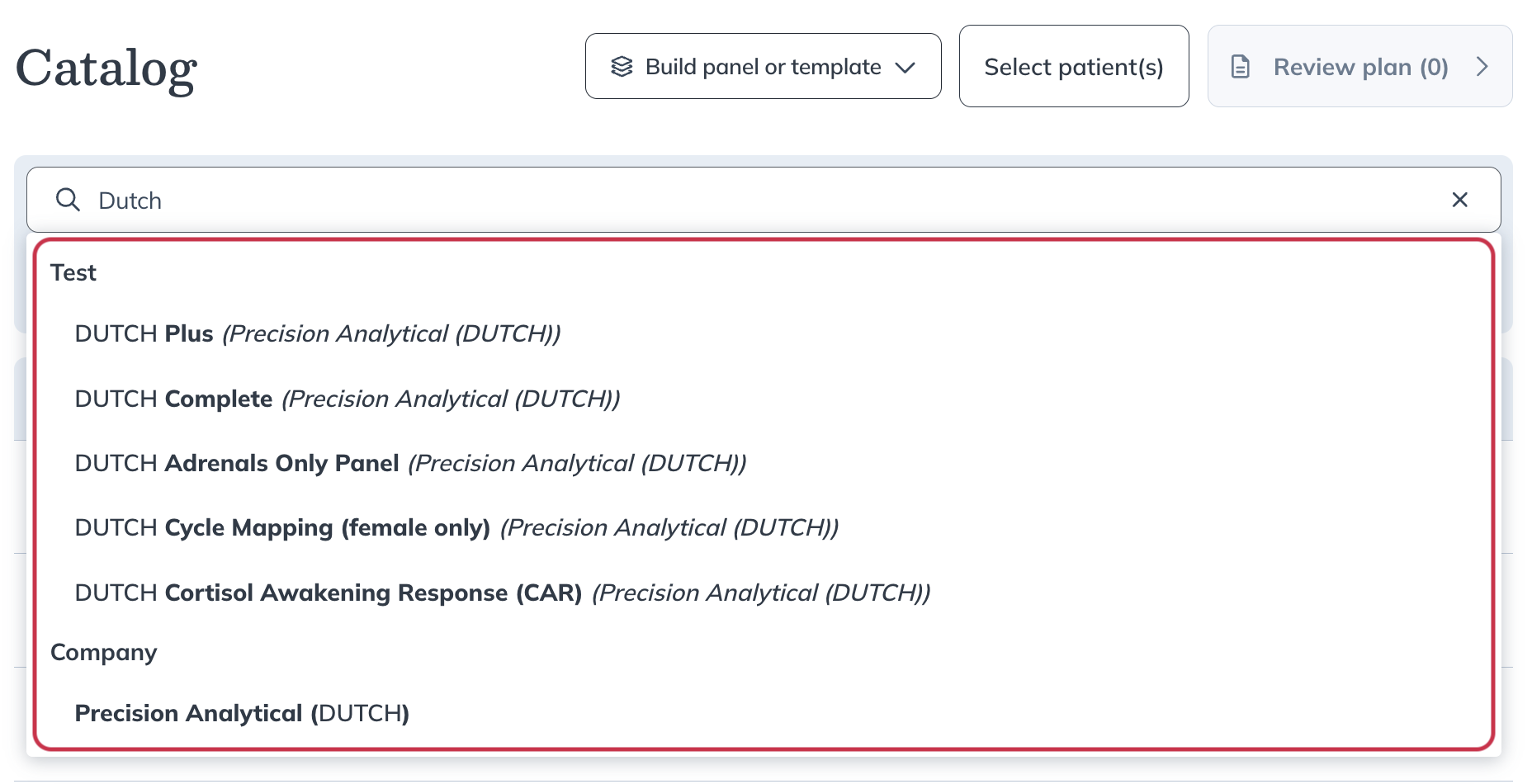
- Start typing in the search bar to find a lab test. Suggestions appear automatically, similar to the supplement catalog. Select a suggestion or press Enter to search.
Video: Searching the labs catalog
Search filters
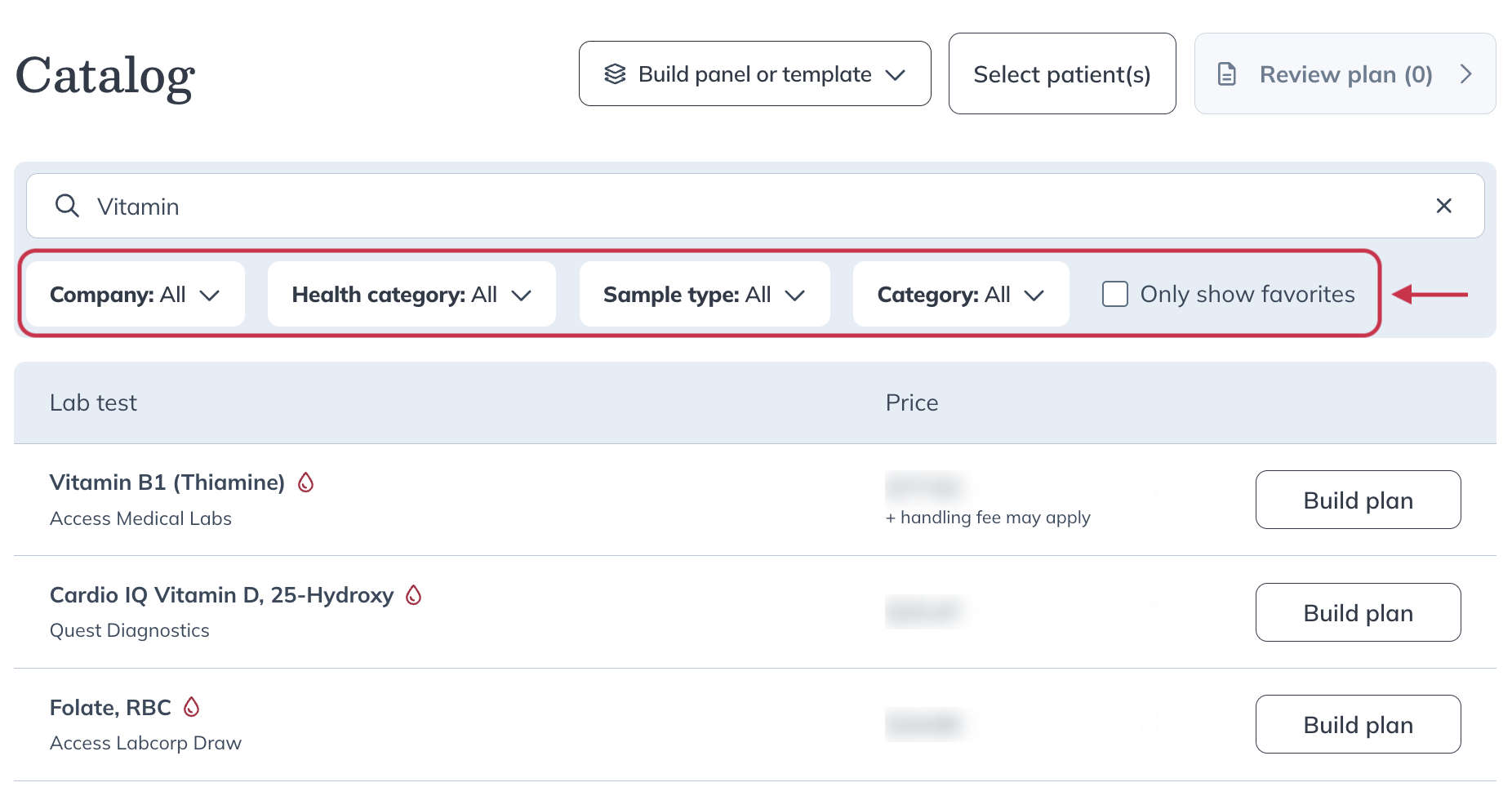
Use the filters under the search bar to narrow your results. You can filter your search results by:
- Lab companies
- Health categories
- Sample types
- Categories (custom panels, templates, etc.)
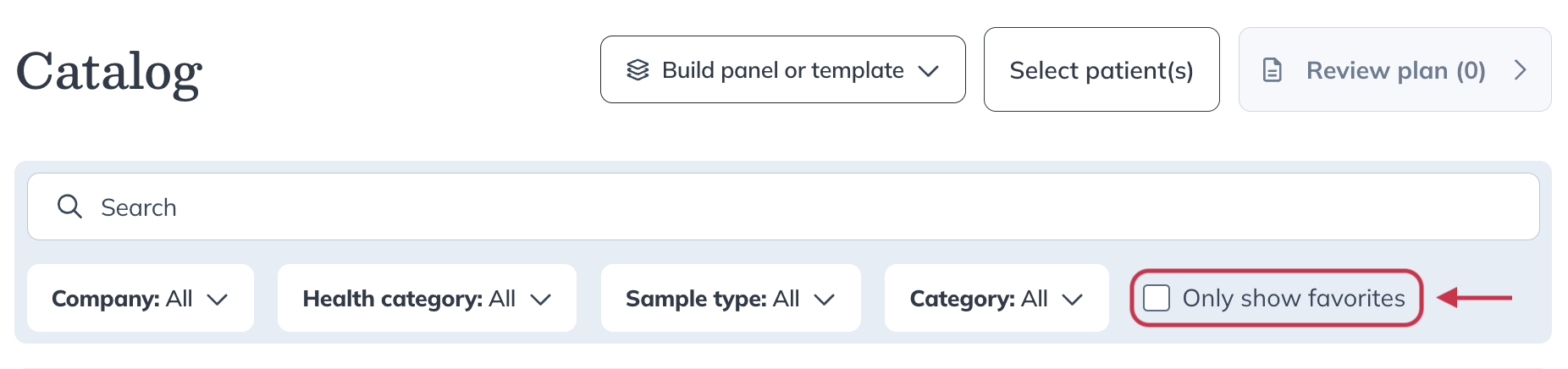
- Favorites
Test details
Learn more about each test by clicking on the test name. This opens the Test details page.
At the top you’ll find:
- The lab company name.
- Sample type.
- Whether or not fasting is required.
- Testing location options (such as at home or at a specific testing location) and whether phlebotomy is required.
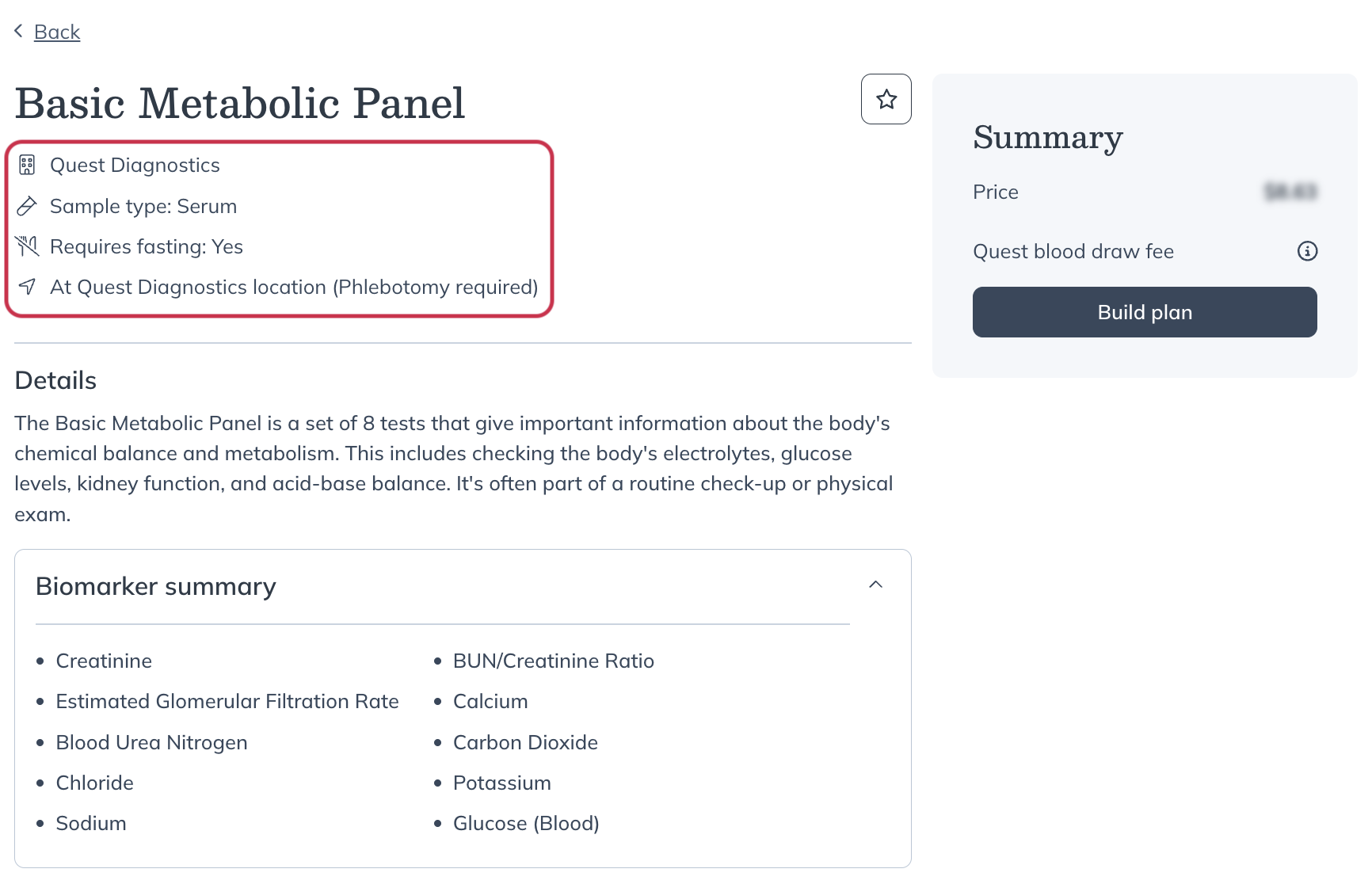
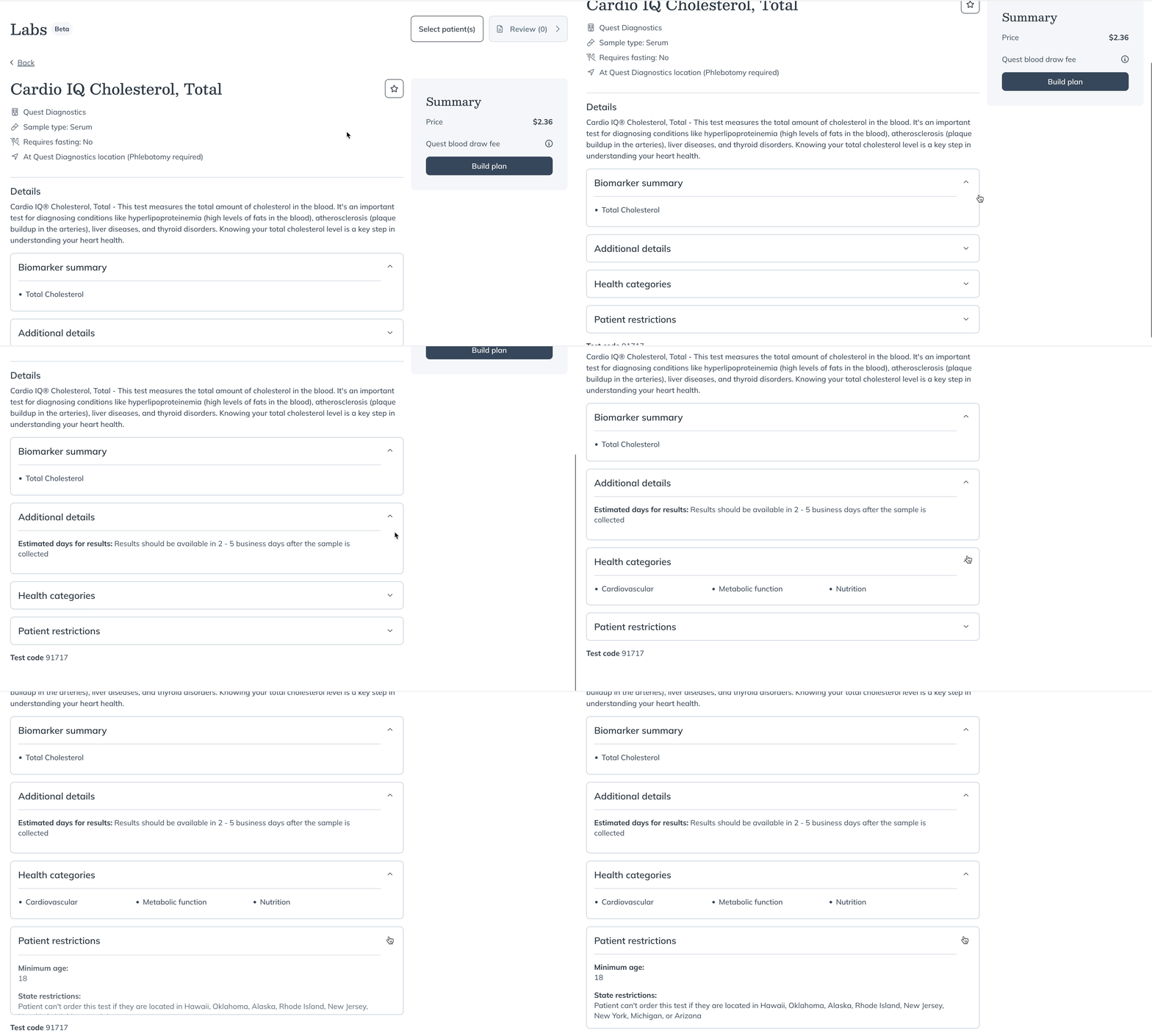
Below, you’ll find what the test measures, its clinical indications, and resources such as:
- A sample report to visualize the final results.
- The general health categories for this test.
- Additional details, including the average turnaround time for results, the lab’s reference range, and units of measurement.
- Patient instructions, which are sent automatically after testing has been ordered.
- Any patient restrictions based on state and age during our pilot.
Favorited tests
If you order a test frequently, star it as a Favorite for quick access in your labs catalog. Build a list of your most recommended tests to streamline your plan building workflow.
To add a test as a favorite:
- Hover over the test line in the catalog and click the star icon.
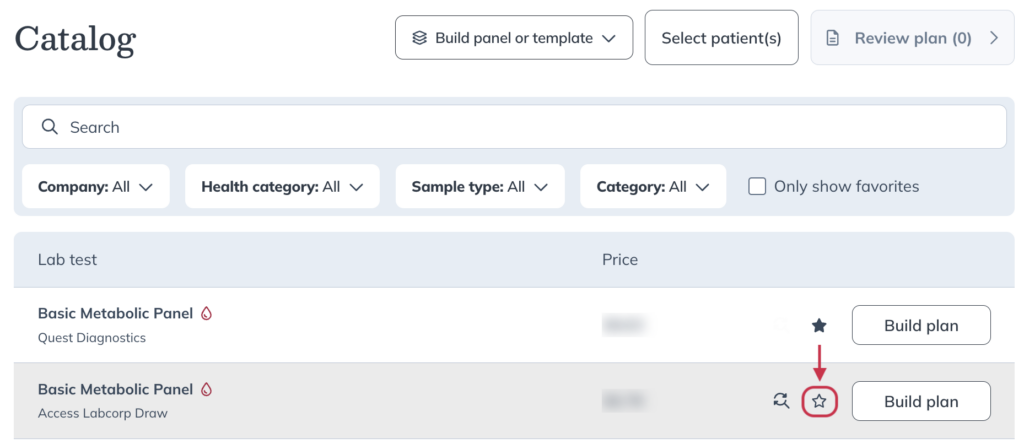
- Once you’ve added your favorite tests, view your entire list by selecting Only show favorites under the search bar.