
Last modified: April 27, 2026
Storefronts
Providers
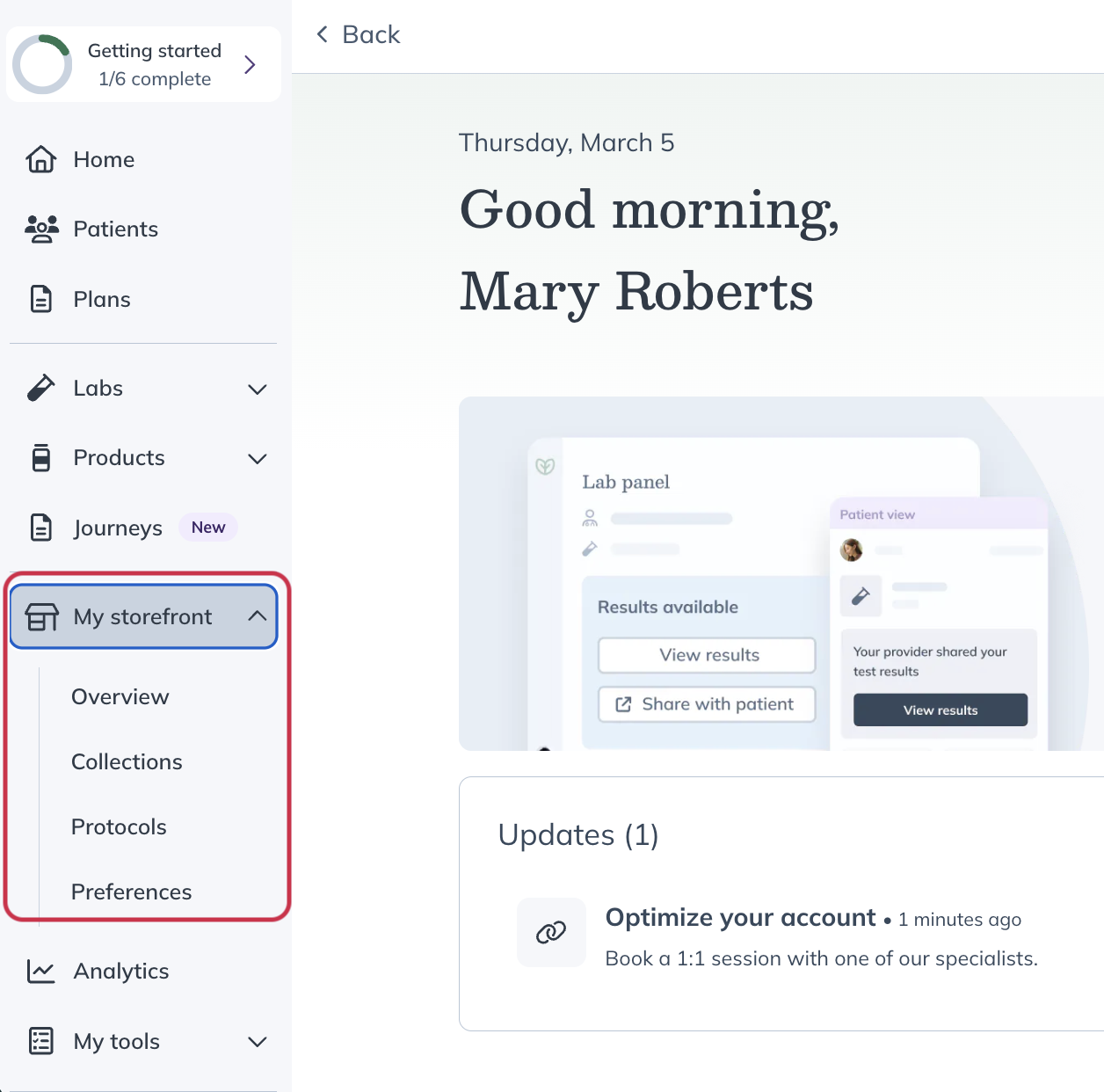
‘My storefront‘ is where patients browse and purchase products you make available. You can use it to organize products, share plans, and control what patients see.
From ‘My storefront‘, you can manage Collections, Protocols, and key settings that shape the patient experience.
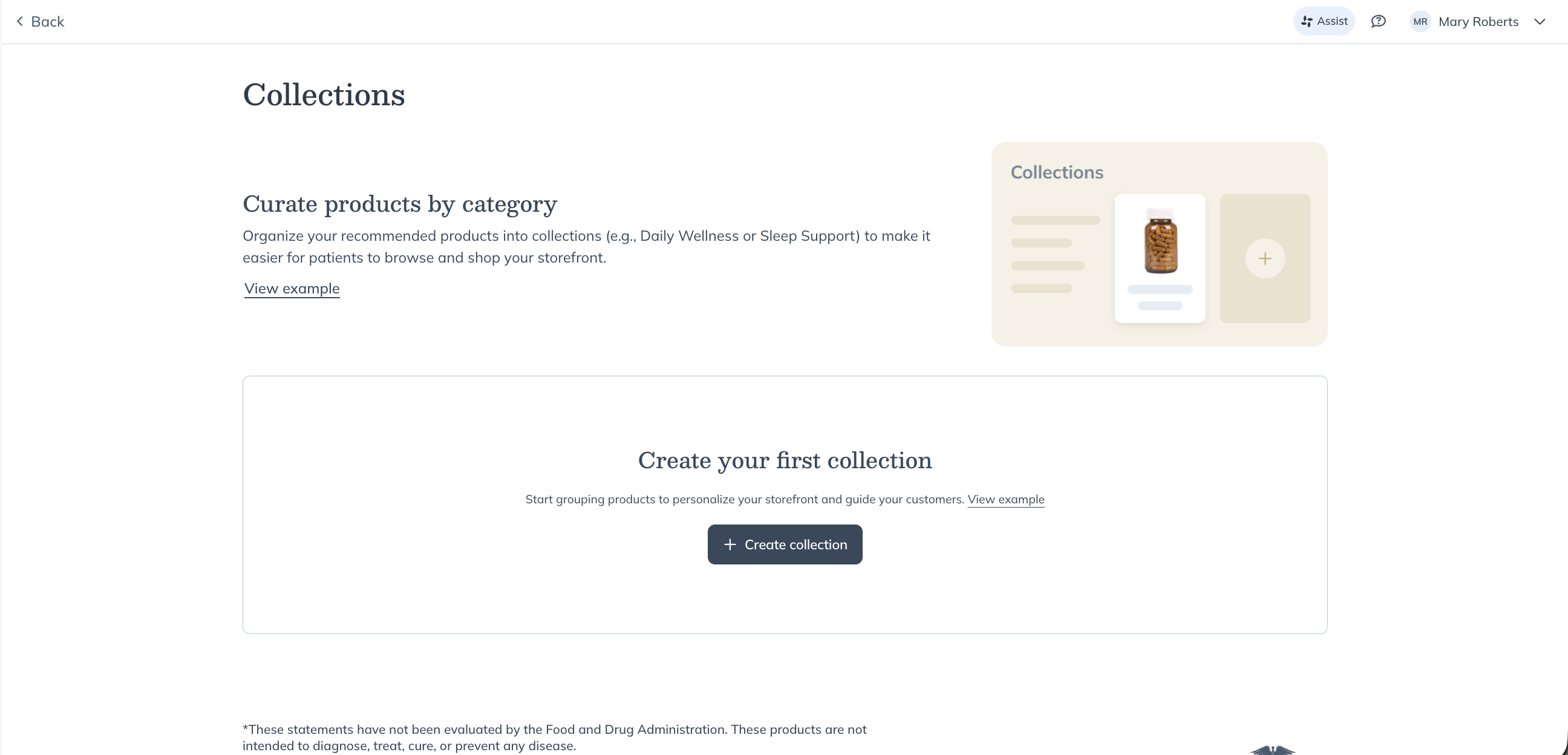
Collections
Collections are the patient-facing way to organize products in your storefront.
- Use ‘Collections’ to group products by category, goal, or recommendation
- Patients only see products included in ‘Collections’
- ‘Favorites’ are for your internal use only
If you previously shared Favorites in your storefront, those products have been moved into Collections automatically—so your patients’ experience remains unchanged.
Protocols
Protocols are structured plans that group products together so you can reuse them across patients.
You can use Protocols to:
- Create consistent supplement plans
- Share recommendations with patients through your storefront
- Deliver repeatable, easy-to-follow plans
Protocols help you standardize your recommendations while keeping the patient experience simple and clear.

Preferences
‘Preferences’ is where you control how your storefront looks and what patients can access, with all key settings in one place.
In ‘Preferences’, you can:
- Customize your storefront branding by updating your landing page, logo, and welcome URL
- Control your catalog by choosing which products patients can browse
- Set patient discounts to adjust pricing
Use these settings to tailor your storefront experience and align it with your practice.n it with your practice.

Staff management
‘Staff management’ is where you view and manage your staff members and their access.
All staff appear in a single list, making it easy to:
- See your full staff at a glance
- Update roles
- Adjust permissions
To access staff management:
- Select Staff
- Go to Settings

Staff management table listing staff members, roles, and status.
Manage your storefront permissions
Storefront permissions control who on your staff can view and manage storefront content, including Collections and Protocols.
You can give staff members different levels of access depending on whether they need to view content, create it, or manage all storefront content.

Storefront access
When Storefront access is enabled, a staff member can:
- See ‘My storefront’ in the navigation
- View all Collections and Protocols in your store
- Create new Collections and Protocols
- Edit only the Collections and Protocols they created
If this permission is disabled, they won’t be able to access storefront tools.
Edit storefront content
You can allow additional editing access for staff members who need to manage all storefront content.
When enabled, they can:
- Edit any Collection or Protocol in the store, regardless of who created it
If this setting isn’t enabled, staff members can only edit the content they create.ate.

Manage staff permissions
To update storefront permissions:
- Go to Settings
- Select Staff
- Choose a staff member
- Update their permissions as needed
Use these settings to control how your staff collaborates on storefront content while maintaining oversight.