
Last modified: July 9, 2026
Saving products for later with favorites
Patients
If you’re not ready to purchase a supplement, save it for later. Save for later (Favorites) lets you keep track of supplements you’re interested in without adding them to your cart.
Save for later (Favorites) is different from:
- Cart – Products you’re ready to purchase now.
- Currently Taking – Supplements you’re actively taking to help you keep track of your routine.
- Labs – Lab tests can’t be saved to Save for Later (Favorites).
Save a product for later (Favorites)
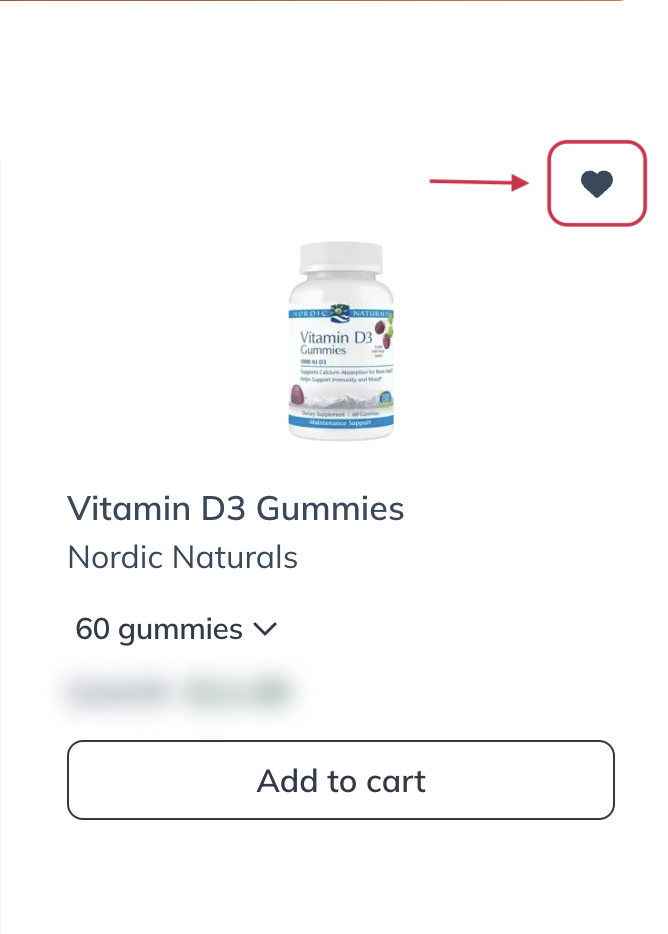
You can save supplements from several places in your account by selecting the heart (♡) icon.
You’ll find the heart icon on:
- Product cards in the catalog
- Product detail pages
- Supplement plans
- Your cart
When you save a product, the outline heart changes to a filled heart (♥), confirming the product has been added to your Save for later (Favorites) list.
View your saved products
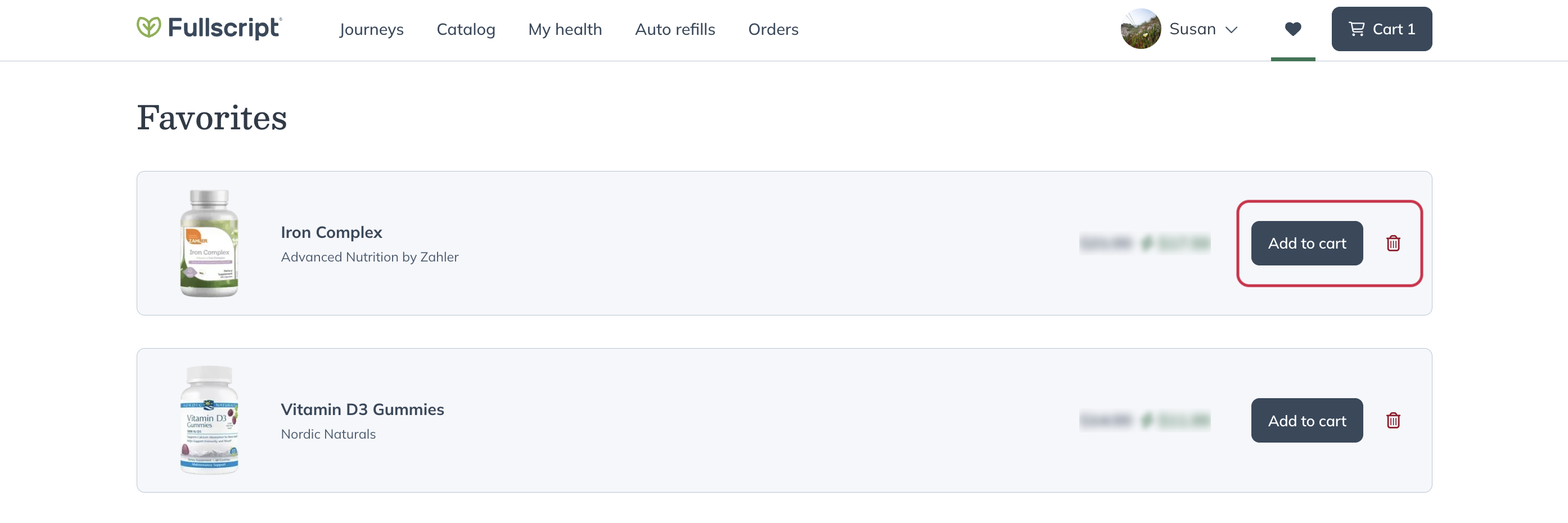
To view your saved supplements:
- Select Save for later (Favorites) from the top navigation.

- Browse your saved supplements.

Manage your saved products
You can add saved supplements to your cart or remove them from your saved list at any time.
Add a saved product to your cart
When you’re ready to purchase a saved supplement:
- Open Save for ater (Favorites).
- Select Add to cart next to the product.
Remove a saved product
To remove a product from your saved list, use either of these options:
Select the trash () icon on the Save for later (Favorites) page.
Select the filled heart (♥) again wherever you see the product.
Products with purchase restrictions
Some supplements require a recommendation from your practitioner before they can be purchased.
You can save these products for later, but you can’t add them to your cart until your practitioner recommends them. For more information, see product restrictions.