
The Learn page brings together educational events, test comparisons, featured tests, and partner labs to help you build your knowledge of lab testing and explore test options for your patients.
To open the page, click Labs, then Learn, in the side navigation. It's available to US practitioners and isn't visible to patients.
To tell the Fullscript team what would make this page more useful, click Share feedback at the bottom right.
Live events and bootcamps
Fullscript Academy offers free weekly live classes and multi-week bootcamps. This section shows upcoming events and any bootcamp that’s open for enrollment. Click Register to view an event's details and register through Academy, or Explore to learn about a bootcamp and enroll.
Click See all events to browse upcoming webinars, Q&A sessions, office hours, and past recordings. For other learning opportunities, click Visit Fullscript Academy at the top of the page.
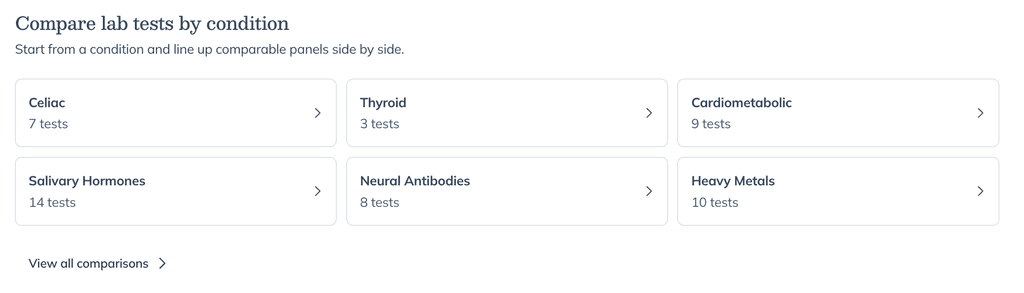
Compare lab tests by condition
Explore curated lab tests for a condition and compare them side by side. Each card shows the condition and the number of tests included. Click a card to open a comparison, or click View all comparisons to browse more conditions.
To learn how to use a comparison, see Comparing lab tests.
Featured lab tests
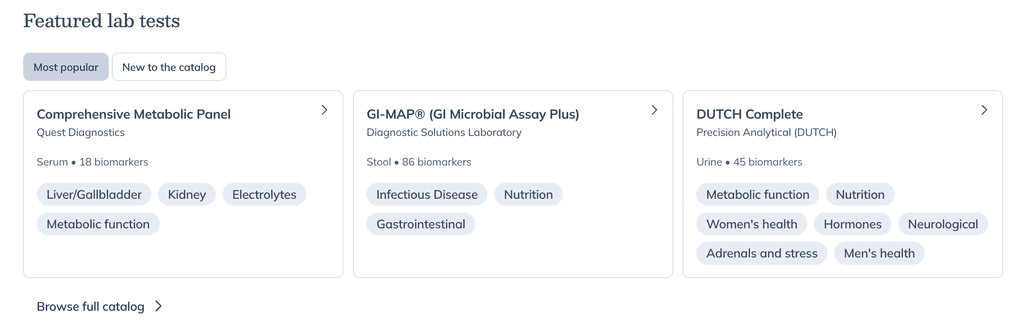
Discover popular lab tests and recent additions to the catalog. Select Most popular or New to the catalog to browse each collection.
Each test card shows the test name, lab, sample type, number of biomarkers, and health categories. Click a card to open the test's details page, or select Browse full catalog to open the lab catalog.
Partner labs
Under Explore tests by partner lab, click View tests on a lab's card to open the catalog filtered to that lab's tests.
Click Show more to see additional partner labs.