
At Fullscript, we want to make sure your account is always secure. To ensure this, you may receive a warning message letting you know that we need to verify your account, followed by an email with a ‘magic login link.’
Don’t worry — we’re just confirming it’s really you! Just click Log in to my account from the email to log in.
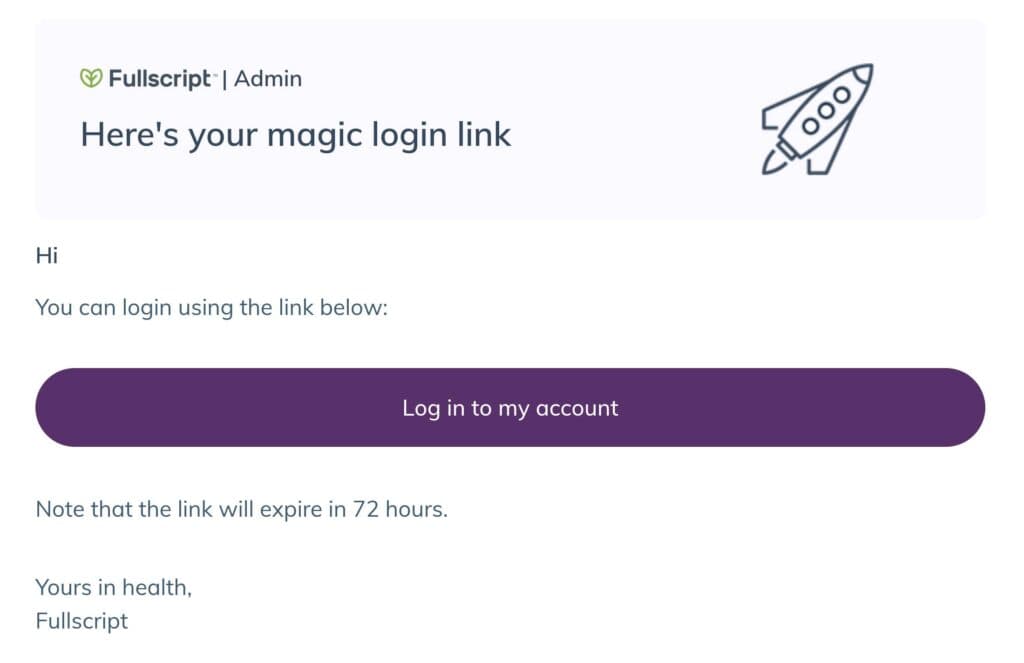
An example of a ‘magic login link’ email.
Logging in with an instant link
You can log in to your account in a similar way using an instant link instead of a password. To do this, click Continue without password on the login page and provide the email address tied to your account. An instant link will be sent to you via email.
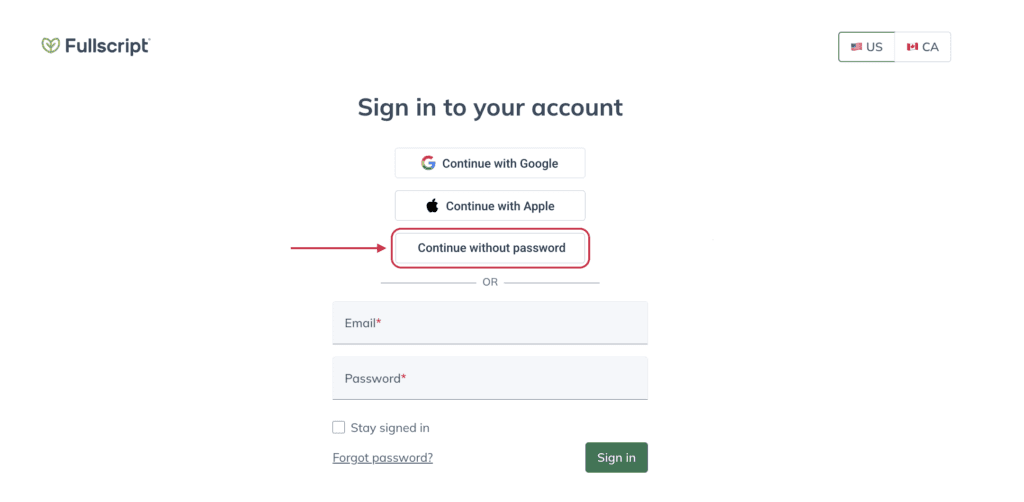
Click Continue without password to receive an instant link in your email.
Instant login links expire after 72 hours.
Confirming your identity with a passcode
When opening a plan from a New Plan or Plan Reminder email, some patients may see a Confirm it’s you screen instead of an instant login link.
- Choose Email me or Text me to receive a 6-digit passcode.
- Select Send passcode.
- Enter the passcode on the page you left open.
Keep the following in mind when using a passcode:
- The passcode expires in 10 minutes and can only be used once. If it expires, request a new one.
- The passcode is sent to the email or phone number on file for the plan. If you don't receive a text, choose Email me instead — email is always available.
- If you can't receive the passcode, select Sign in another way to log in as usual.
- Unlike the link described above, the plan link on this screen does not expire.
If you’re having trouble signing in or receiving a passcode, contact our customer support team for assistance.